
구성 관리 (새 탭에서 열림) 는 컴퓨터의 하드웨어 및 소프트웨어 구성을 모니터링하고, 필요 시 구성을 변경하여 IT 정책을 준수하도록 보장하는 프로세스입니다. 당연하게도, 이러한 정책에는 대개 보안 및 규제 준수 지침이 포함되어 있습니다.
대부분의 조직이 직원들을 대상으로 재택근무(WFH) 정책으로 전환함에 따라, 구성 관리는 그 어느 때보다 중요해졌습니다. 이는 조직의 IT 부서가 더 이상 직원들이 사용하는 컴퓨터에 손쉽게 접근할 수 없기 때문입니다.
직원들이 직접 구매하고 설정한 모바일 기기를 포함할 수도 있는 해당 컴퓨터들은 소프트웨어 패치 적용이 뒤처졌을 가능성이 있습니다. 아니면 바이러스 백신 소프트웨어의 업데이트를 놓치고 있을 수도 있습니다.
보안 소프트웨어 업데이트를 제때 하지 않으면 컴퓨터가 악성코드 및 기타 형태의 공격에 더 취약해집니다.
[함께 읽어보세요: 귀사의 보안 전략에 사이버 보안 분석이 빠져 있지는 않나요?] (새 탭에서 열림)
구성 관리를 올바르게 수행할 때의 이점
직원들이 컴퓨터를 보유하고 업무에 필요한 소프트웨어와 데이터 소스를 사용하고 있다는 이유만으로, 그들의 시스템 구성이 “충분히 괜찮다”고 가정하고 싶어지는 유혹이 있습니다. 하지만 보안 침해와 같은 문제가 발생하면, 구성 관리의 중요성이 누구에게나 명백해집니다.
구성을 적절히 관리하면 그 외에도 그리 눈에 띄지는 않지만 분명한 이점들이 있습니다. 기업이 구성 관리를 제대로 수행하면 다음과 같은 이점을 얻을 수 있습니다:
직원 생산성을 높이고 보안 위험 및 MTTR을 줄이는 것은 바람직한 목표이지만, 조직이 기존의 구성 관리 도구와 관행을 사용해서 이를 달성하기는 어려울 것입니다.
왜요? 오늘날의 기업들은 10 년 전이나 20 년 전의 기업들에 비해 더 분산되어 있고, 하드웨어와 소프트웨어 면에서 더 다양하며, 은밀한 보안 공격에 더 취약합니다. IT 구성과 구성 관련 과제가 변화함에 따라, 이에 발맞추기 위해 IT 구성 관리 도구와 관행도 변화해야 합니다.
재택근무 시대의 구성 관리 모범 사례 7 가지
오늘날 재택근무(WFH)를 시행하는 기업에서 구성 관리를 위한 7가지 모범 사례를 소개합니다.
1. Start with a plan covering people, processes, and technology
Effective configuration management means a lot more than launching and running a configuration management tool when new software releases come out. Effective configuration management involves people, processes, and technology. It requires planning about how configuration updates will be rolled out, who will manage those updates, how those people will be trained, and so on.It also requires well-defined processes for monitoring endpoints and updating endpoints when they are found to be out of compliance with configuration policies. And it requires a process for rapidly deploying patches or making other types of changes to respond to security threats or serious performance problems from recent changes.
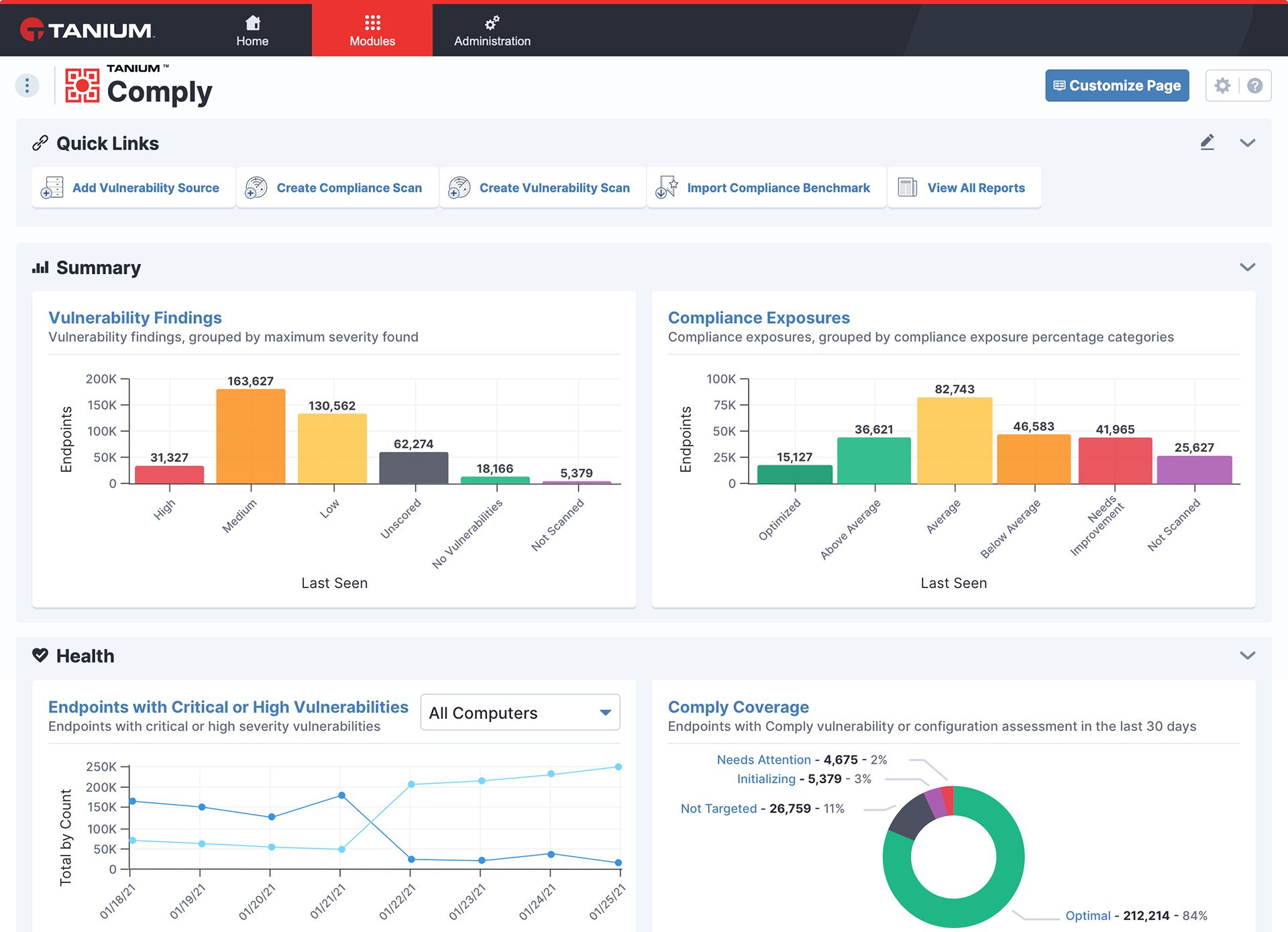
Plans should be documented and understood by all the relevant stakeholders in the IT department. And those plans should include requirements for configuration tools and for training IT engineers on the use of those tools.
2. Be able to monitor anywhere: on a local network, in a remote location, or in the cloud
WFH is likely here to stay in some form. IT organizations need a comprehensive way of managing configurations regardless of where an endpoint is being used. Whether an employee is working in the office, at home, or in some other remote location, the IT organization should be able to monitor and configure that employee’s endpoint flawlessly.
3. Leave no endpoint unmanaged
At most companies I visit, the configuration management process has two glaring shortcomings.First, the IT team can’t find all the endpoints being used by employees. On average, the configuration management products they are using miss 10-15 percent of endpoints that have been deployed — and that 10-15 percent gap was before companies switched to WFH, making endpoints even harder to find.
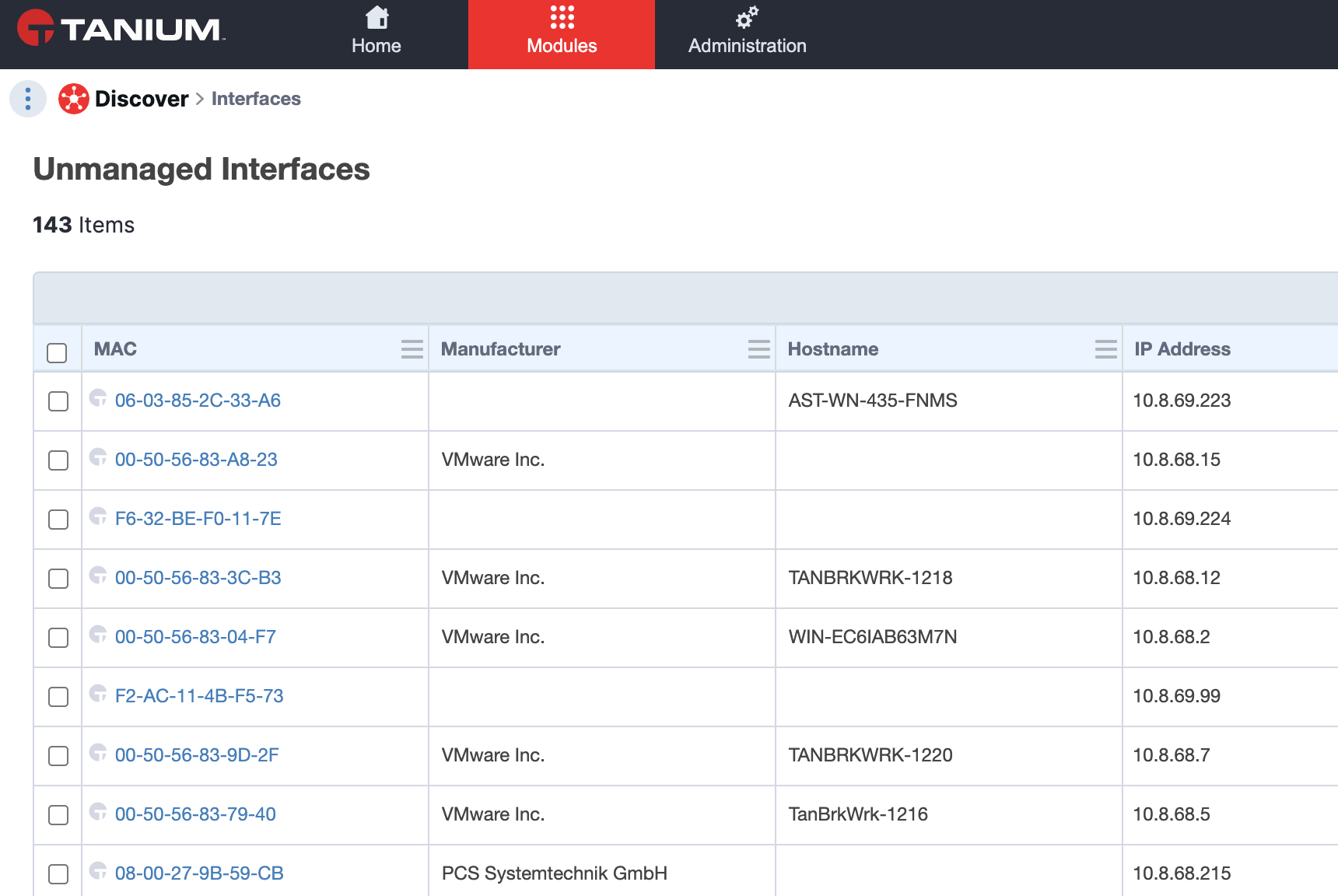
Second, IT teams can’t confirm that configuration changes have actually been implemented. Instead, they rely on a “spray and pray” model of configuration delivery.
To avoid security risks and optimize endpoint performance for employees, IT teams need to put together tools and processes to ensure that all endpoints have been found and that all changes to those endpoints have been implemented.
4. All endpoints means endpoints with any operating system
Make sure your configuration management practices cover all the endpoints employees are using. Even if 98 percent of your employees are on Windows machines, and only a handful of people are on Macs, you still want to be able to manage the configuration of those Macs.Ideally, you should try to manage endpoints running the operating systems you’re most likely to encounter in a business setting: Windows, Linux, and macOS.
5. Make sure you can monitor and configure remote endpoints without requiring VPN access
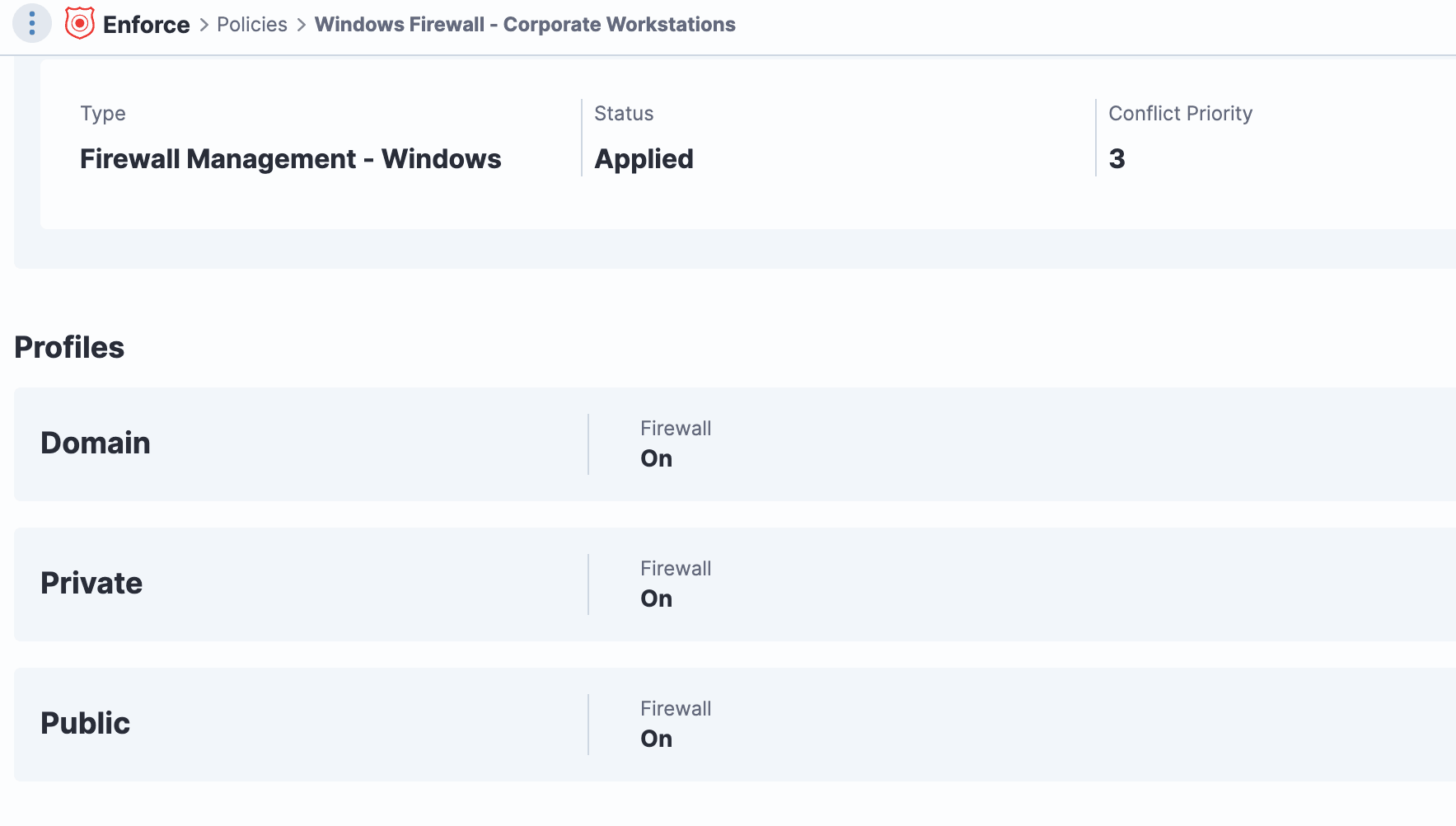
It’s expensive to require remote endpoints to stay connected over VPNs 24/7 just so they can be monitored by the IT team.If possible, set up tools and processes for managing endpoints over any standard internet connection — no VPN required. That way, no matter where employees are working, the IT team will be able to stay on top of keeping their computers up-to-date and working well. And you’ll avoid the problem of employees complaining about the slow network performance that’s common with VPNs.
6. Avoid network traffic jams
A lot of traditional configuration management approaches require hundreds or even thousands of servers for monitoring endpoints and pushing configuration changes across corporate networks.It’s great that IT teams can muster these kinds of resources for configuration management, but if you can find a way to manage configurations with fewer servers and less traffic congestion, do so.
Software vendors have made a lot of progress over the past decade in making distributed networks more efficient. See if you can leverage some of those new techniques for configuration management. It’s a big difference, especially in companies with tens of thousands or even hundreds of thousands of endpoints.
7. Monitor results, remediate problems, and hone your processes over time
Configuration management isn’t a “one and done” or “once-a-quarter and done” kind of project. It’s an ongoing process.IT teams should continuously monitor the configurations of endpoints and make changes whenever necessary.To keep track of that ongoing work, it’s a good idea to build reporting and trend analysis into your documented configuration management processes.
IT leaders, as well as leaders of business units, should be able to understand “the big picture” about the state of the computers that employees depend on every day for work.
[관련 기사: 직원 참여도 설문조사 활용법: 데이터에서 실행으로] (새 탭에서 열림)
차량 함대를 양호한 상태로 유지하며 원활하게 운행하기
귀사의 IT 인프라는 세심하게 조율된 시스템입니다. 마찬가지로, 조직의 운영에 필수적인 컴퓨터들의 구성 설정을 간과해서는 안 됩니다.
위에서 설명한 모범 사례를 따르시면, 컴퓨터 설정 오류로 인해 발생하는 시스템 장애와 위험을 방지하는 데 도움이 될 것입니다. 또한 생산성 향상, 직원 만족도 증대, 보안 위협에 대한 회복력 강화 등 중요한 이점을 누리게 될 것입니다.
자세한 내용은 다음 블로그 게시물을 확인해 보세요. Tanium이 구성 관리를 개선하는 10 가지 방법 (새 탭에서 열림).
실제 작동 모습을 확인해 보실 준비가 되셨다면, 데모에 등록해 보세요. (새 탭에서 열림) 지금 바로 신청하세요.